Every AI Tool You Need in 2026
TL;DR
In 2026, AI tools have diversified beyond single chatbots. Different platforms now specialize in specific tasks like coding, research, or creative work, requiring users to choose tools based on their specific needs rather than seeking one universal solution.
Key Takeaways
- •AI platforms have specialized: ChatGPT for general assistance, Claude for coding/workflows, Google AI Studio for Google ecosystem integration, Qwen Chat for free research, and T3 Chat for comparing multiple LLMs.
- •Creative AI tools like Freepik AI Suite offer unlimited image/video generation, while specialized tools like Higgsfield and Google Flow provide cinematic video production capabilities.
- •Agentic browsers like Perplexity Comet and ChatGPT Atlas automate research and browsing tasks, while local AI tools like LM Studio and Civitai enable private, offline AI usage.
- •The focus has shifted from finding the 'best' AI model to selecting tools that make specific work faster, better, and cheaper based on individual needs and budgets.
Tags

>>>> gd2md-html alert: inline image link in generated source and store images to your server. NOTE: Images in exported zip file from Google Docs may not appear in the same order as they do in your doc. Please check the images!
----->
If you used AI seriously in 2025, you probably noticed the shift. One chatbot stopped being enough. Different platforms started outperforming each other in wildly different ways—research here, video generation there, code scaffolding somewhere else. It forced everyone to rethink their setup.
Last year, the AI community wanted to know which model was the king of AI. Now, companies are betting on diversification, providing different models or even agents specialized for different use cases. It can be confusing—some platforms adopt the names of their models—but a better way to understand the distinction could be: A platform is like a company in which different workers have different functions, and the models doing the tasks would be the workers
Heading into 2026, the question isn't "Who's winning the AI race?" Instead, ask: "Which tools actually make my work faster, better, and cheaper?"
Here are our favorites.
AI Chat Platforms
Most of us want an AI Swiss Army Knife that does a great job of doing pretty much anything we ask, without us having any special know how. That’s where chat platforms excel.
ChatGPT
ChatGPT is the first thing everybody thinks of when they hear the word "AI." It holds 60.5% chatbot market share with 800 million weekly active users for good reason. The platform's agents handle multi-step tasks, search crawls the live web, and workflows automate repetitive processes. The Memory feature recalls past interactions with surprising utility.
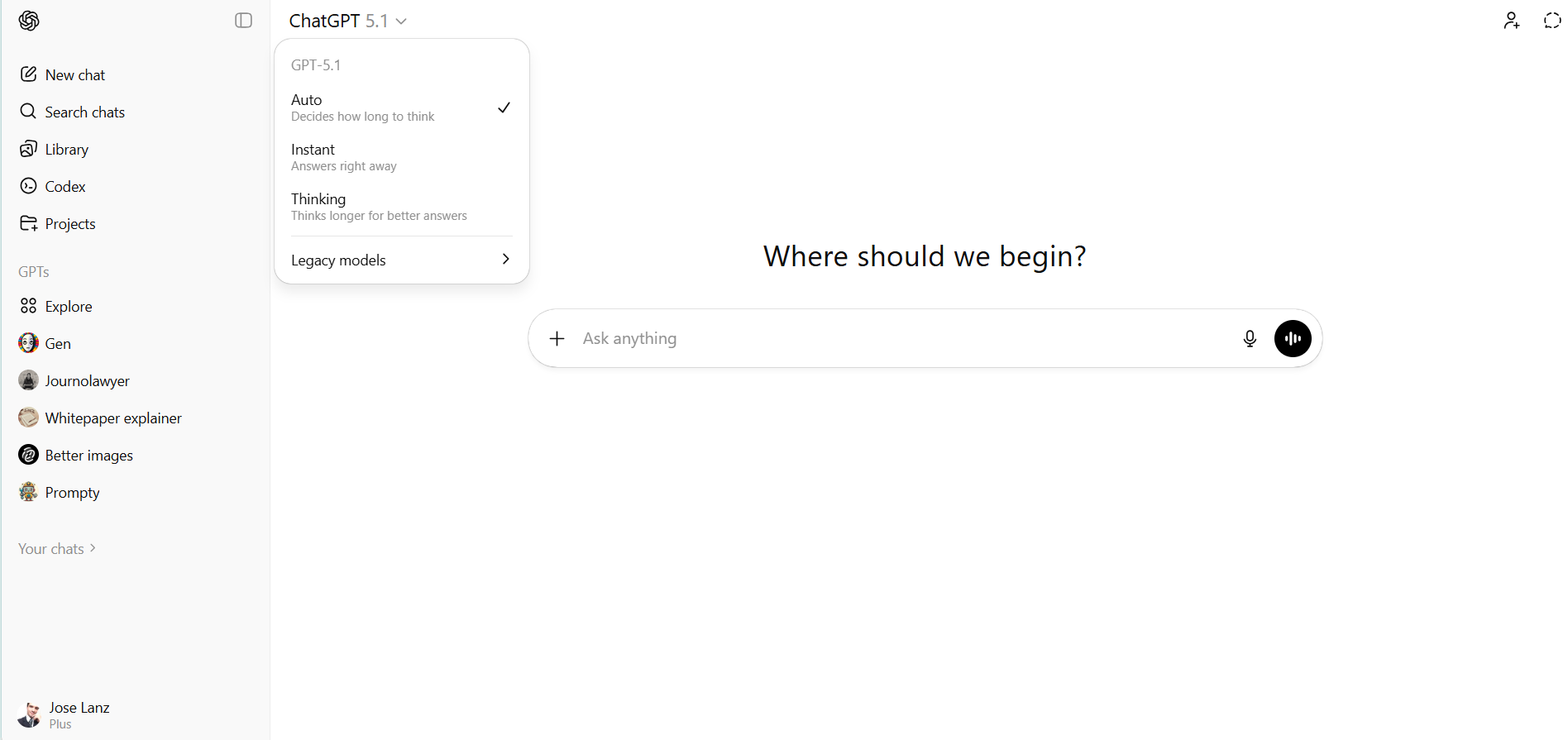
However, unlocking the full capability requires ChatGPT Plus at $20 monthly or 10X more for the Pro tier—the free tier increasingly feels like a demo.
For general users seeking a polished daily assistant, it remains the default choice.
Best for: General users who want a polished, mainstream AI assistant. ($20/month for full features)
Claude
Claude from Anthropic remains unmatched for sustained coding work, scoring 77.2% on SWE-Bench Verified. But the platform's real innovations are structural: Skills let you extend Claude's capabilities with custom workflows, Projects organize related conversations and documents, and Claude for Desktop integrates with local files and applications through MCP connections.
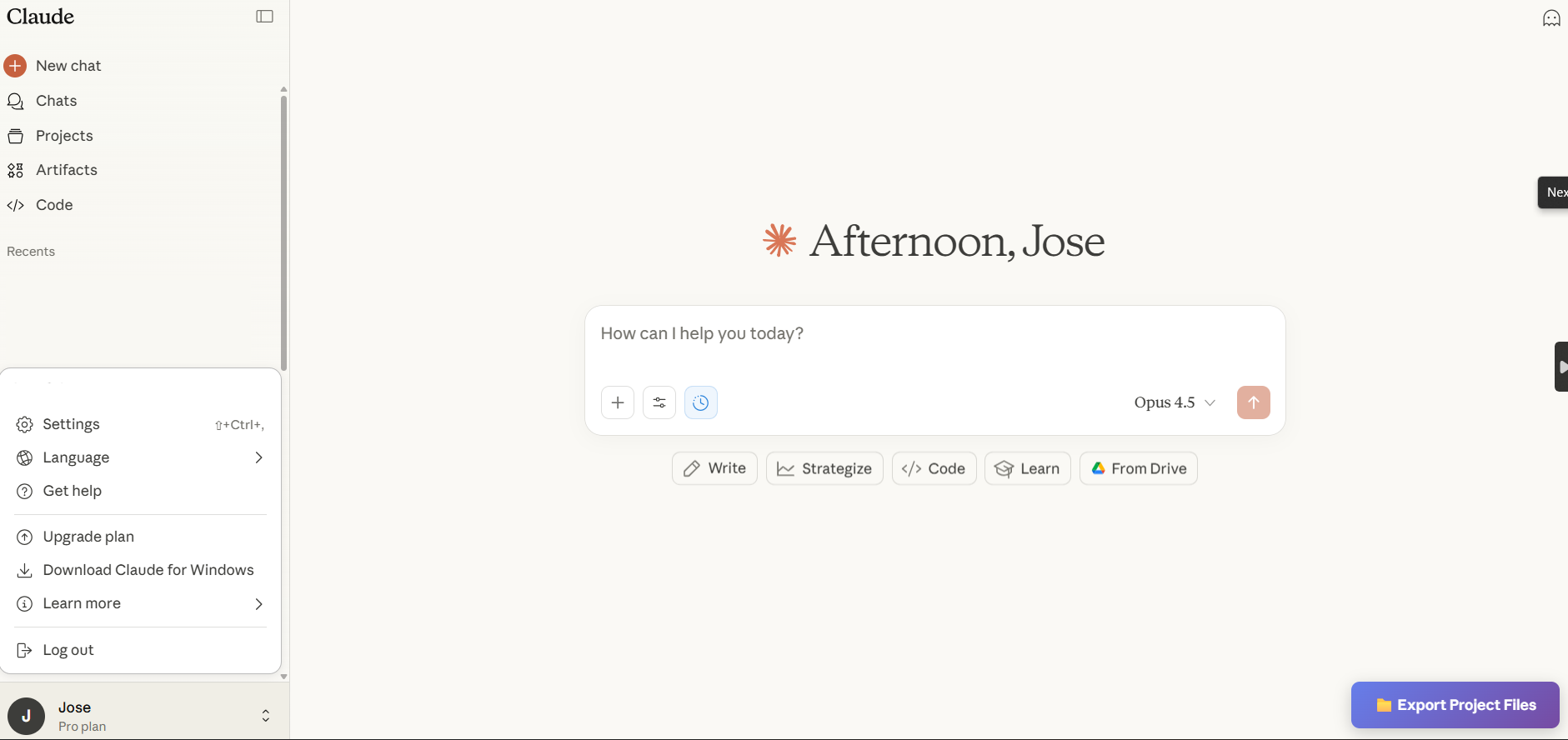
Like ChatGPT, the full experience requires a Claude Pro subscription at $20 monthly. For developers building automated workflows, this is the professional choice.
Best for: Developers, long-form writers, and anyone building custom AI workflows using Claude code, third party platforms. ($20/month for full features)
Google AI Studio
Don't confuse AI Studio with Google's Gemini chatbot interface. That one is for noobs and general users. AI Studio gives you access to Google’s complete suite of AI tools, from the sensational Nano Banana to Gemini 3.
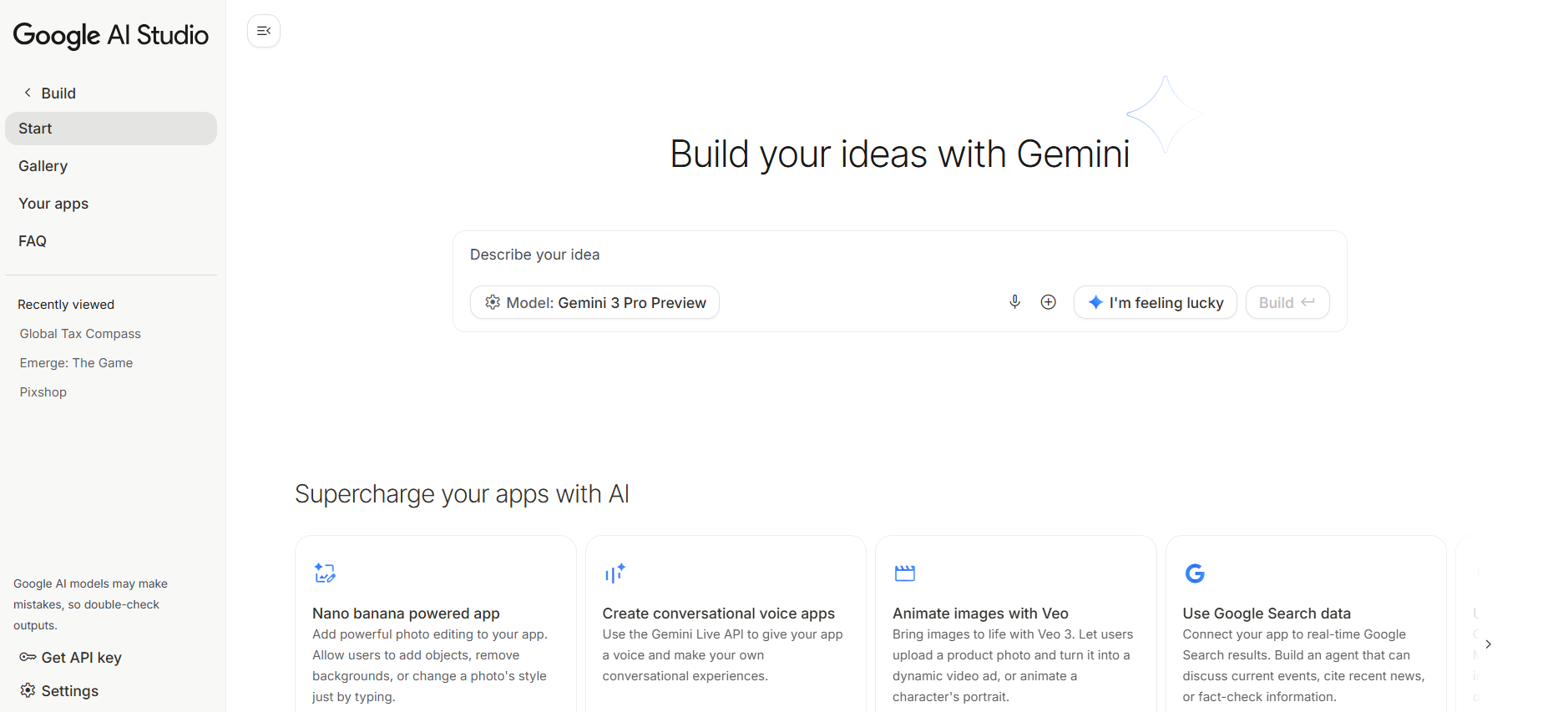
Google AI Studio dominates for developers and power users. Its app maker generates functional prototypes from natural language descriptions, while the million-token context window handles enterprise-scale document processing that competitors simply can't match.
Agentic workflows let you chain operations even integrating with Google's ecosystem—Gmail, Docs, Sheets—making it ideal for productivity automation. Faster than GPT-5.1 for analytical tasks, and the free tier is generous enough for serious experimentation.
Best for: Developers, Google Workspace power users, and anyone processing massive documents.
Qwen Chat
Qwen Chat has quietly become one of the most necessary AI platforms. Powered by China tech titan Alibaba's Qwen3 model family—which won the NeurIPS 2025 Best Paper Award—the platform offers far more than chat. Its integrated podcast maker transforms documents into audio discussions, while the web generator builds complete websites from prompts.
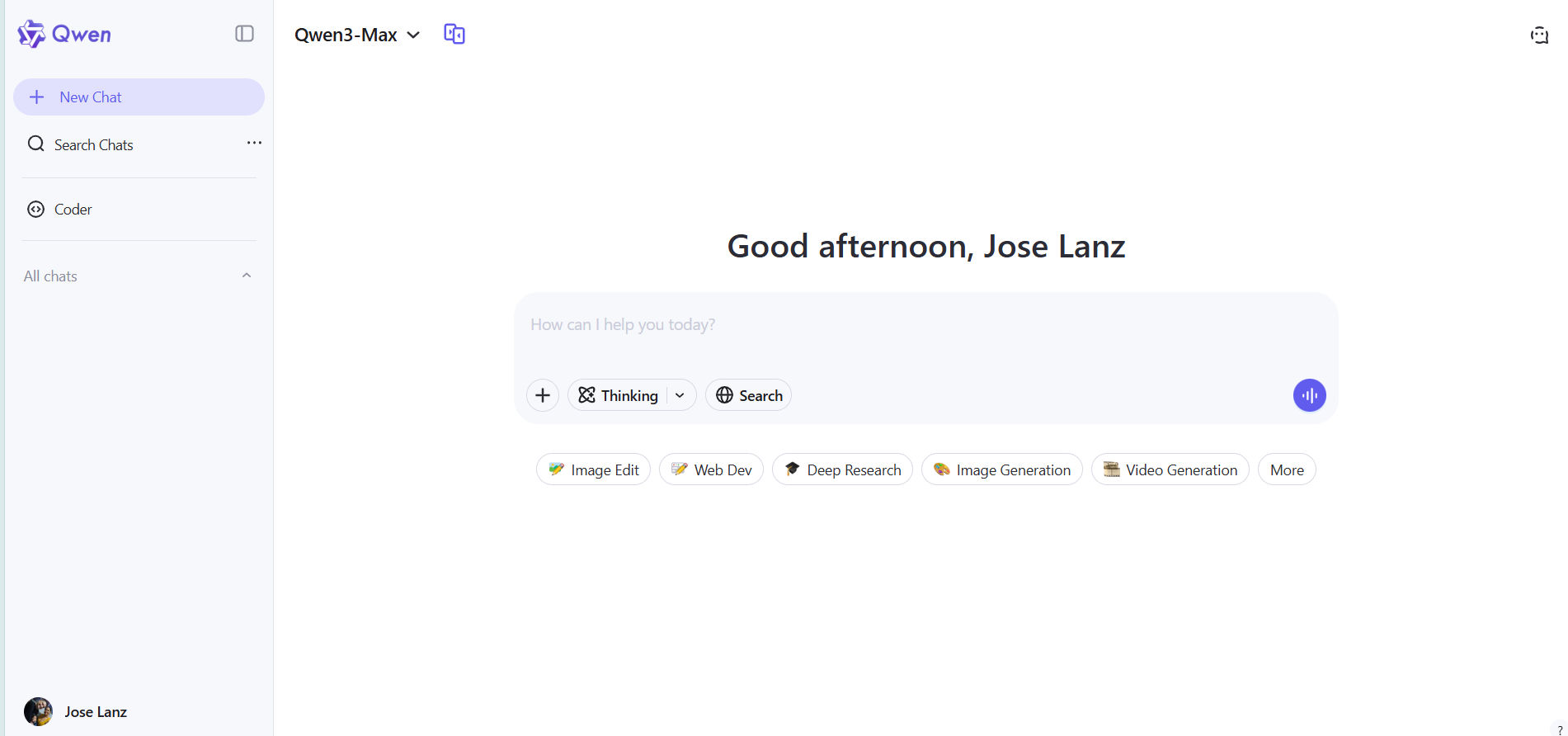
The deep research mode excels at sustained inquiry tasks, and a built-in image editor handles visual workflows without switching apps, with a quality that competes against Google's Nano Banana. For research-heavy work demanding open-source flexibility and a 119-language reach, this is where you start—completely free.
Best for: Researchers, multilingual users, and anyone who wants a full toolkit without paying a dime.
Z.ai Chat
Z.ai Chat is a great alternative to ChatGPT. It's powerful, efficient and free.
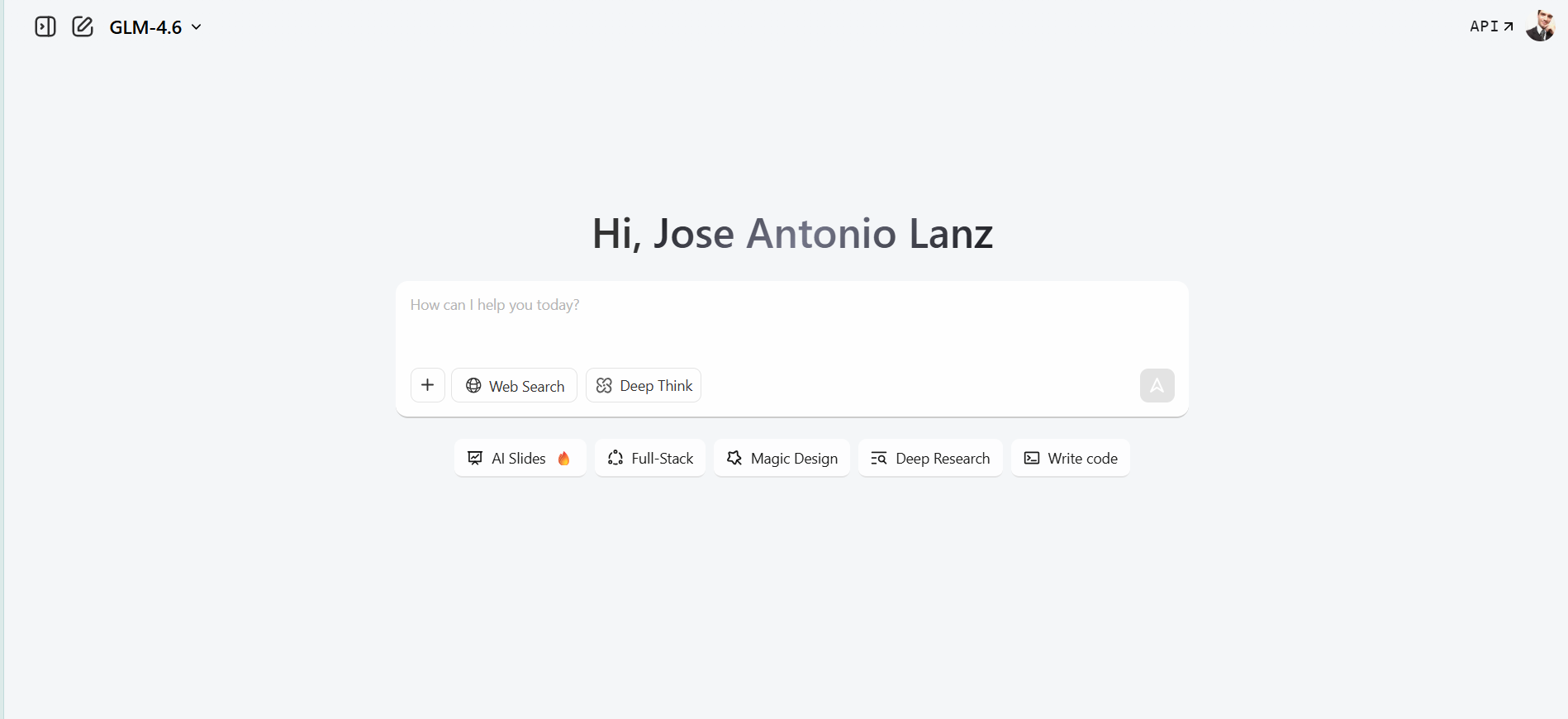
The slides generator produces presentation decks from text prompts, while Magic Design handles visual assets with minimal input. Its full-stack development capability—describe an app, and Z.ai scaffolds the code—is a pretty nice addition.
For professionals bouncing between presentations, design work, and quick prototypes, it consolidates what would otherwise require three separate tools.
Best for: Professionals who need slides, design assets, and code prototypes in one place.
Kimi
Moonshot AI's Kimi emerged as the dark horse of 2025. Beyond its standard chat interface, Kimi's slide generation rivals dedicated tools, but its agentic capabilities steal the show. The Kimi K2 model can automatically select from 200 to 300 tools to complete tasks autonomously—no manual prompting required.

At just 15 cents per million input tokens via API, it represents what open-source can achieve when paired with thoughtful platform design.
It is also a dear in the open-source community. Its models have caught up and compete against GPT-5 with the plus that users can run them locally, train them, modify them, and build with their technology—something OpenAI does not allow.
Best for: Developers building agentic workflows, and open-source enthusiasts who want to run models locally.
T3 Chat
T3 Chat is a great option if you really want or need to test many different text generators—especially the ones from the big names.
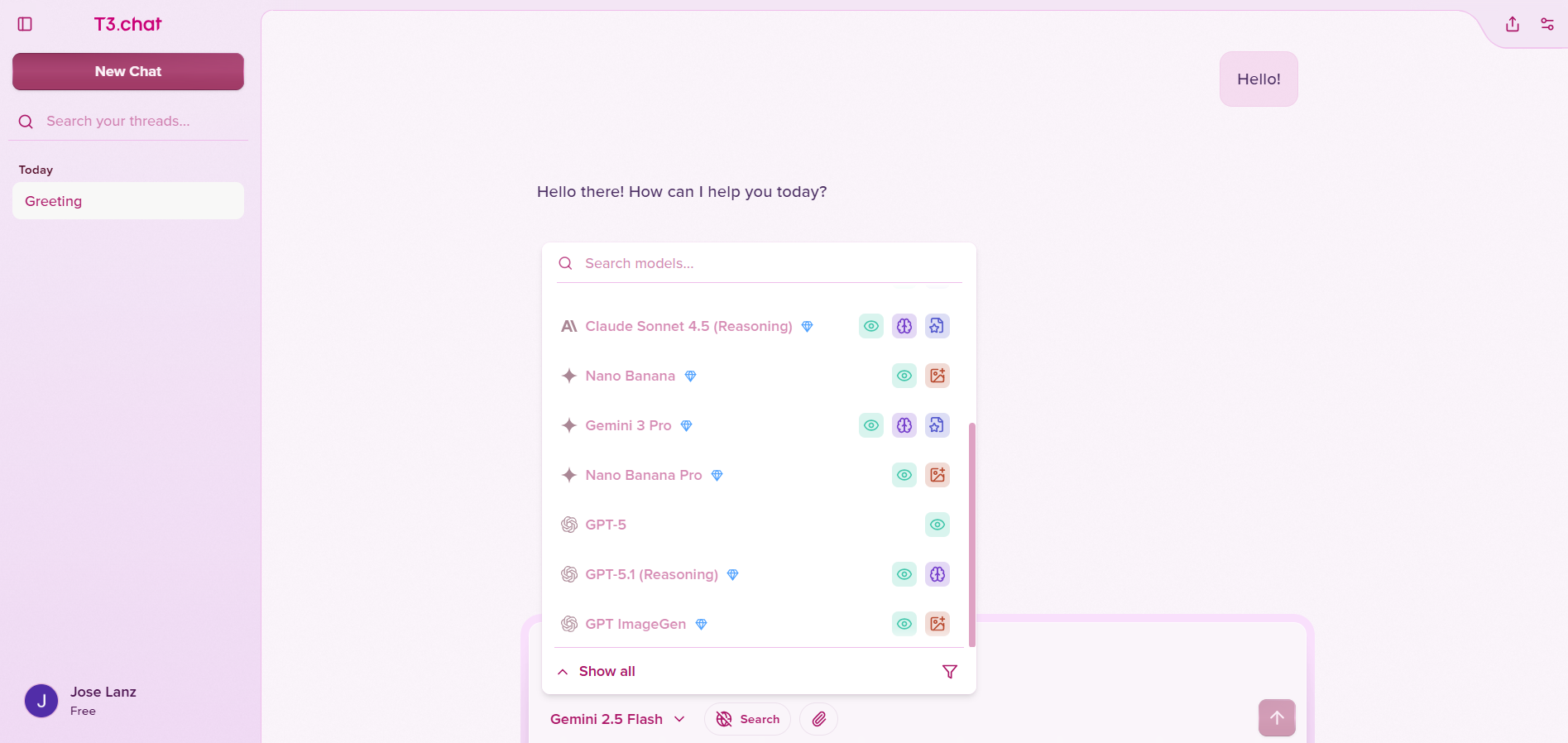
For $8 monthly, users access GPT-5.1, Claude Opus, Gemini 3 Pro, DeepSeek 3.2, and more through a single interface. The ability to switch models mid-conversation or branch conversations for direct comparison is invaluable for finding the right tool for specific tasks.
It claims twice the speed of ChatGPT and ten times faster than DeepSeek, backed by Next.js and edge computing architecture.
Best for: Developers, users doing A/B testing, creative writers comparing results among different LLMs
Image and Video Generation
Image and video generation stopped being about creating "passable" visuals and became about production-ready precision. The platforms winning now have built their reputation by combining quantity and quality. Platforms let users pick whichever model fits their needs, whereas model developers compete to provide the best outputs and get those sweet juicy API credits.
Freepik AI Suite
Freepik AI Suite evolved from a stock asset library into a comprehensive creative environment. It bundles over a dozen image models including Nano Banana Pro, Seedream 4.0, Flux Kontext, Z-Image Turbo, and Ideogram—all under a single subscription with unlimited image generation for paid users.
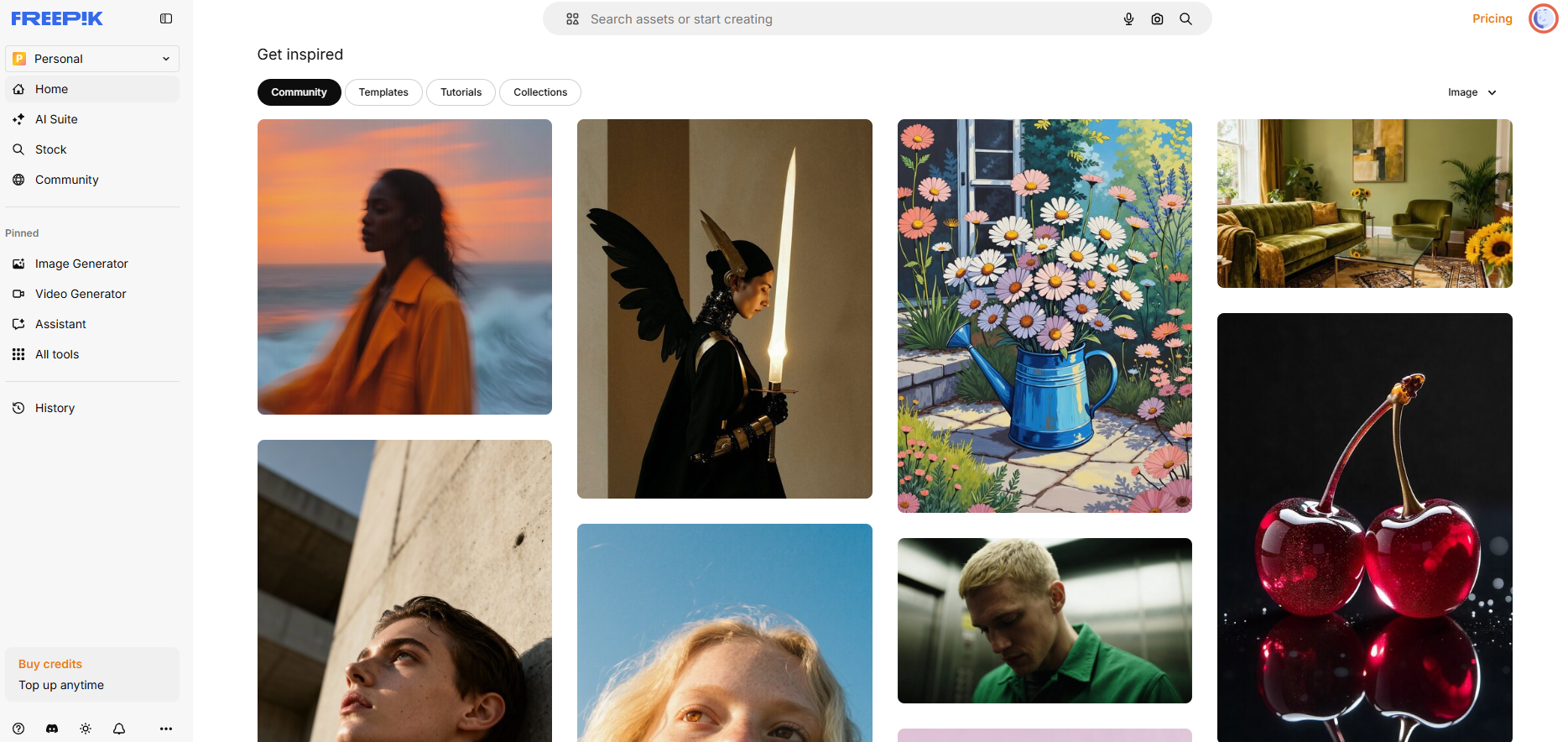
Video generation includes access to Veo 3.1, Kling 2.6, Hailuo, and more, with some models offering unlimited generations. The Spaces feature automates social media content through node-based workflows.
For creators who refuse to pay per-generation, this is the all-in-one answer.
Best for: Creators who want unlimited generations across every major image and video model.
Higgsfield
Higgsfield specializes in cinematic video generation with professional camera control. Over 50 AI-crafted camera movements—dolly zooms, crane shots, FPV-style paths—transform static images into dynamic clips in under two minutes.

The platform integrates Wan 2.5 for audio-synchronized video generation with lip-sync capabilities. Visual effects like explosions and particle animations come built-in, targeting creators who need big-budget aesthetics without the budget.
It is a good alternative to Freepik. Some users are in love with its realistic model for image generation.
Best for: Social media creators and marketers who need cinematic quality on a budget.
Pollo AI
Pollo AI is another good option. The platform bundles access to Veo 3.1, Sora 2, Kling AI, Runway, Hailuo, and its own Pollo 2.0 model—all top-tier video generators in one interface. Image generation spans Nano Banana Pro, Midjourney, Flux Kontext, and more.
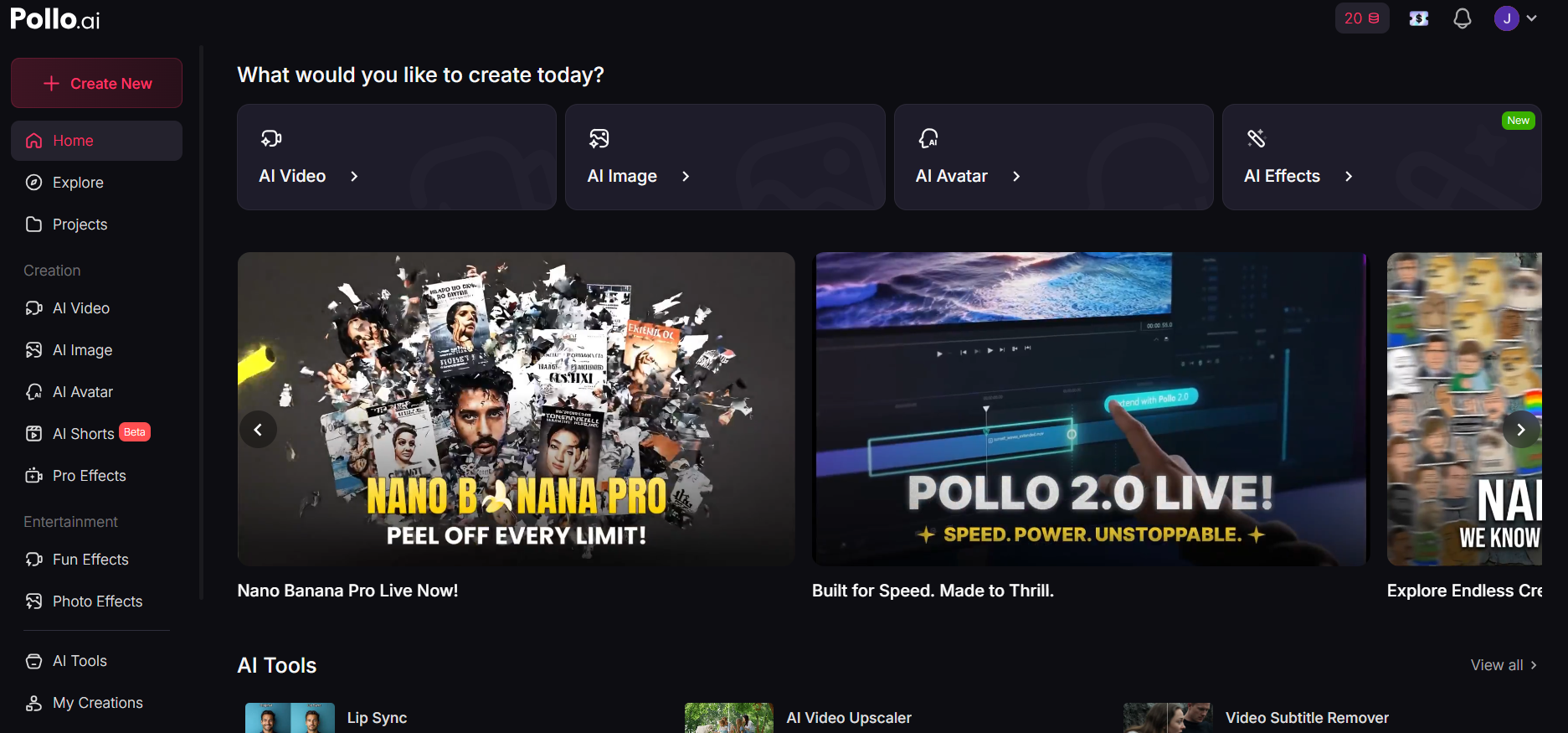
The platform is a bit more expensive, but its 150-plus video and photo effects target viral content creation, while the AI avatar generator produces lifelike speaking characters with emotion-synced lip movement.
An interesting option for content creators who want every option without juggling subscriptions.
Best for: Content creators chasing viral effects and lifelike AI avatars.
Google Flow and Veo 3
Google Flow powered by Veo 3.1 is Google's bet at using AI in professional environments. Start and End Frame Control ensures narrative coherence across shots, while Multi-Reference Mode chains connected scenes for longer productions. Native audio generation delivers synchronized music, sound effects, and dialogue—addressing the biggest gap in previous AI video tools.
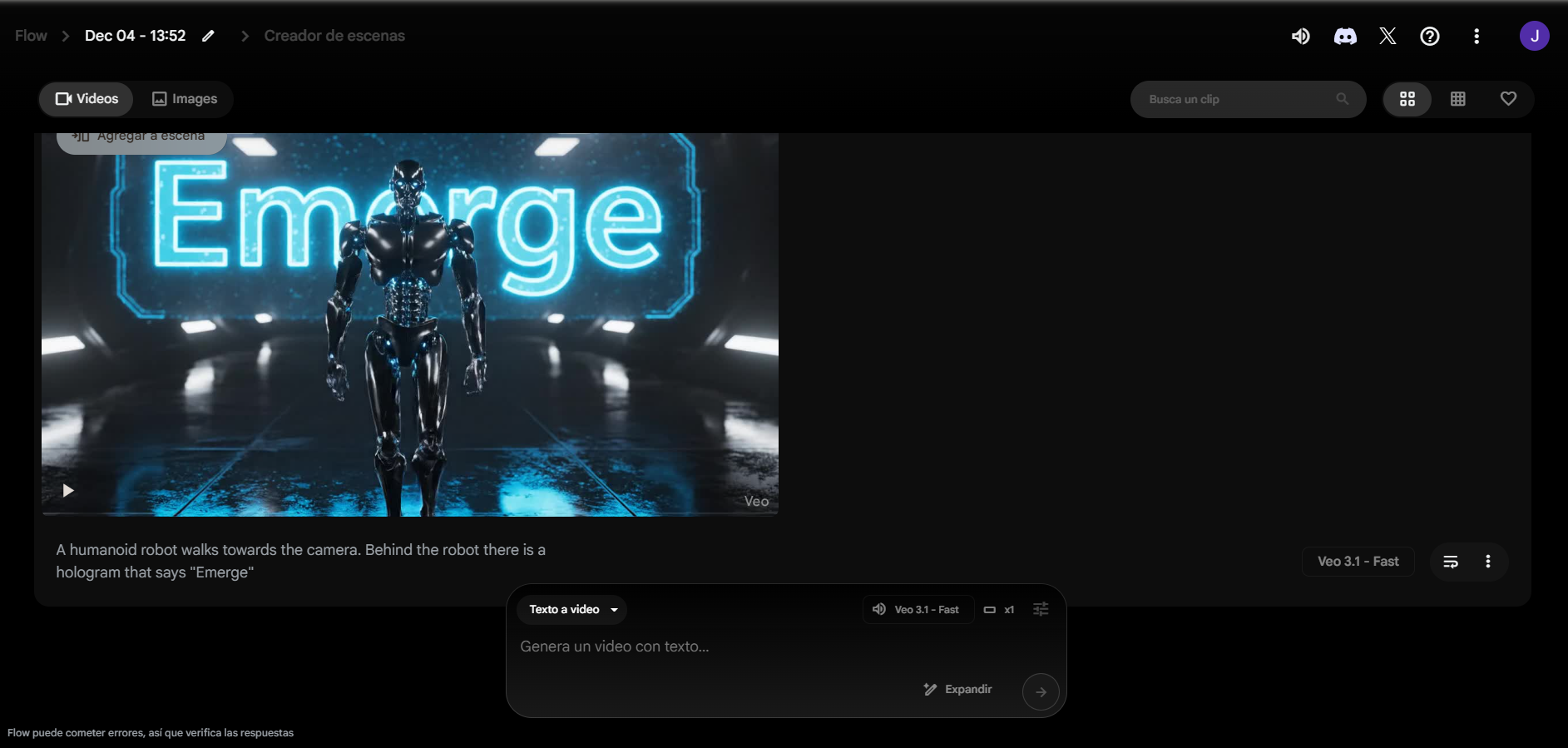
The filmmaking interface extends clips into cohesive longer videos. For branded films, advertisements, and educational content requiring cinematic precision, this is where studios turn.
Best for: Studios, advertisers, educators, anyone in need of professional-grade video production. It is the most expensive video model right now.
Agentic Browsers and AI Research
The browser wars returned in 2025, fought with AI agents rather than rendering engines. The promise: instead of clicking through websites yourself, an AI companion handles routine tasks while you focus on decisions. The security implications are significant, but the productivity gains for basic workflows are real enough that millions have joined waitlists.
Perplexity and Comet
Perplexity stands alone as the research-first answer engine. Instead of generating plausible-sounding responses, it synthesizes results from multiple sources with inline citations for immediate verification. The Deep Research mode generates comprehensive reports.
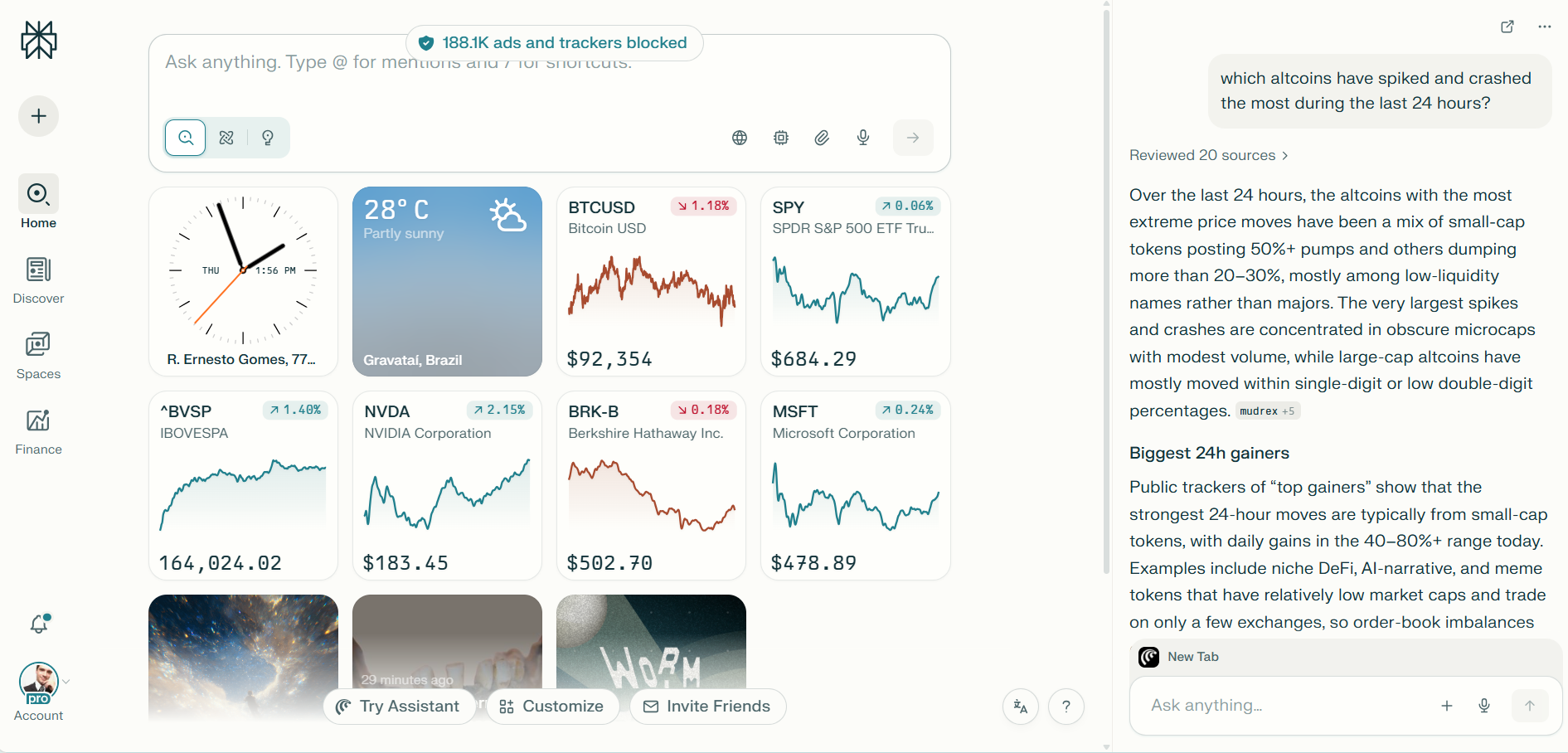
Comet, Perplexity's browser, went free in October after millions joined the waitlist. The assistant sees your browsing context and can answer questions without opening new windows, while the background assistant for Max subscribers performs multiple tasks simultaneously.
Available on Windows, macOS, and Android.
Best for: Existing Perplexity subscribers, researchers, journalists, and anyone who needs verified, cited information fast. It is the best agentic browser for general use.
ChatGPT Atlas
ChatGPT Atlas launched October 2025 with OpenAI's assistant baked directly into browsing. Agent mode lets ChatGPT complete tasks in your browser, pausing for approval on sensitive sites like financial institutions.

It is an interesting alternative to Comet, especially for ChatGPT Plus users. However, it is much slower—even dumber—at agentic tasks.
Browser memories log websites you visit and what you do, using that information for personalized responses.
Currently available on macOS only, with Windows, iOS, and Android coming.
Best for: Existing ChatGPT Plus users who want browser integration without learning a new platform.
Microsoft Edge Copilot Mode
Microsoft Edge Copilot Mode represents the enterprise approach. It is not as advanced as the other two but it was the first browser to bring AI to the masses. It interacts with your pages, can do basic tasks like analyzing videos, sending messages using your contacts, and provides a free way to use GPT 5.1.

For organizations already in the Microsoft ecosystem, this is the path of least resistance. It is less capable than Comet, but is also free.
Best for: Enterprise users in the Microsoft ecosystem who want free, basic AI browsing—you can use it, forget about the agentic capabilities and enjoy a smooth experience as it is also a nicely optimized Chromium fork.
Norton Neo
Norton Neo launched globally in December 2025 as the safety-first alternative. The AI-native browser combines conversational AI with Norton WebShield, which blocks an average of 0.5 malicious pages per user per day.

Its "zero-prompt" approach anticipates user needs—page summaries, calendar reminders—without requiring manual commands. Configurable Memory lets you control exactly what Neo remembers.
Free on macOS and Windows. Could be interesting to play with, but some privacy-conscious users have already shared their concerns about the security implications of giving AI access to their browsing sessions.
Best for: Security-conscious users who want AI browsing with built-in malware protection.
Opera Neon
Opera Neon is Opera's bet to gain a piece of the agentic browser pie. Tasks create self-contained workspaces where AI understands context across multiple tabs without accessing unrelated browsing data. Cards are reusable prompt instructions you can combine—pull-details plus comparison-table for product research, key-decisions plus action-items for meeting notes.
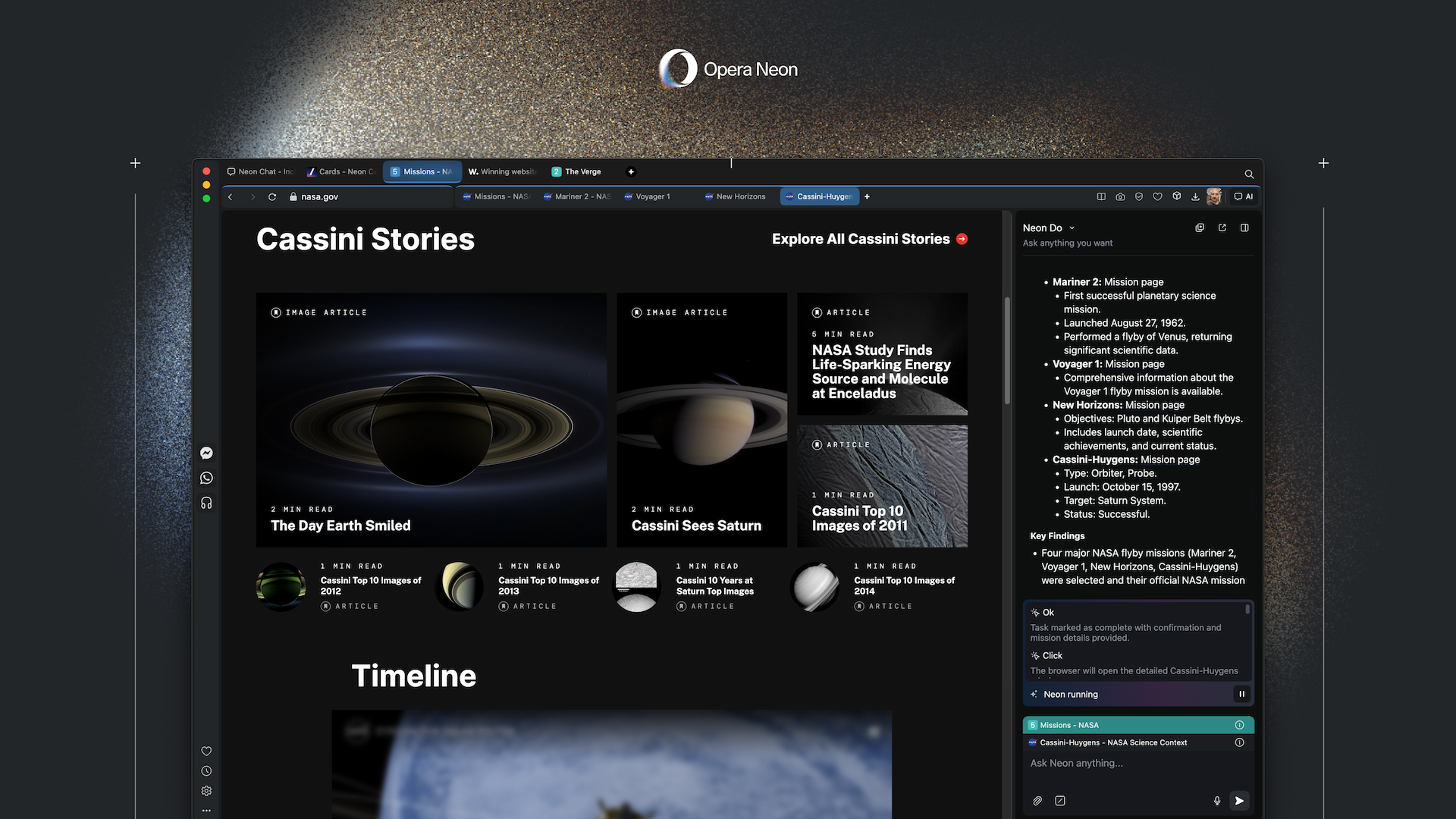
Neon Do operates within your actual browser session, navigating logged-in sites without sharing passwords with cloud services. At $19.99 monthly, it's a premium subscription targeting power users who live in their browsers.
Best for: Power users who want maximum browser automation and don't mind paying for it. ($19.99/month)
Local Generations
Not everyone wants to rely on cloud subscriptions and API calls. The local AI movement gained serious momentum in 2025, driven by privacy concerns, cost savings, and the simple desire to own your tools.
Running models on your own hardware requires more setup, but the payoff is complete control—and zero recurring fees. (See our story on how easy it is to get started.)
Civitai
Civitai is the definitive repository for anyone running image and video generation locally. The community-driven platform hosts thousands of checkpoints, LoRAs, embeddings, textual inversions and even workflows—each tagged, searchable, and accompanied by example outputs with the exact prompts and settings used.
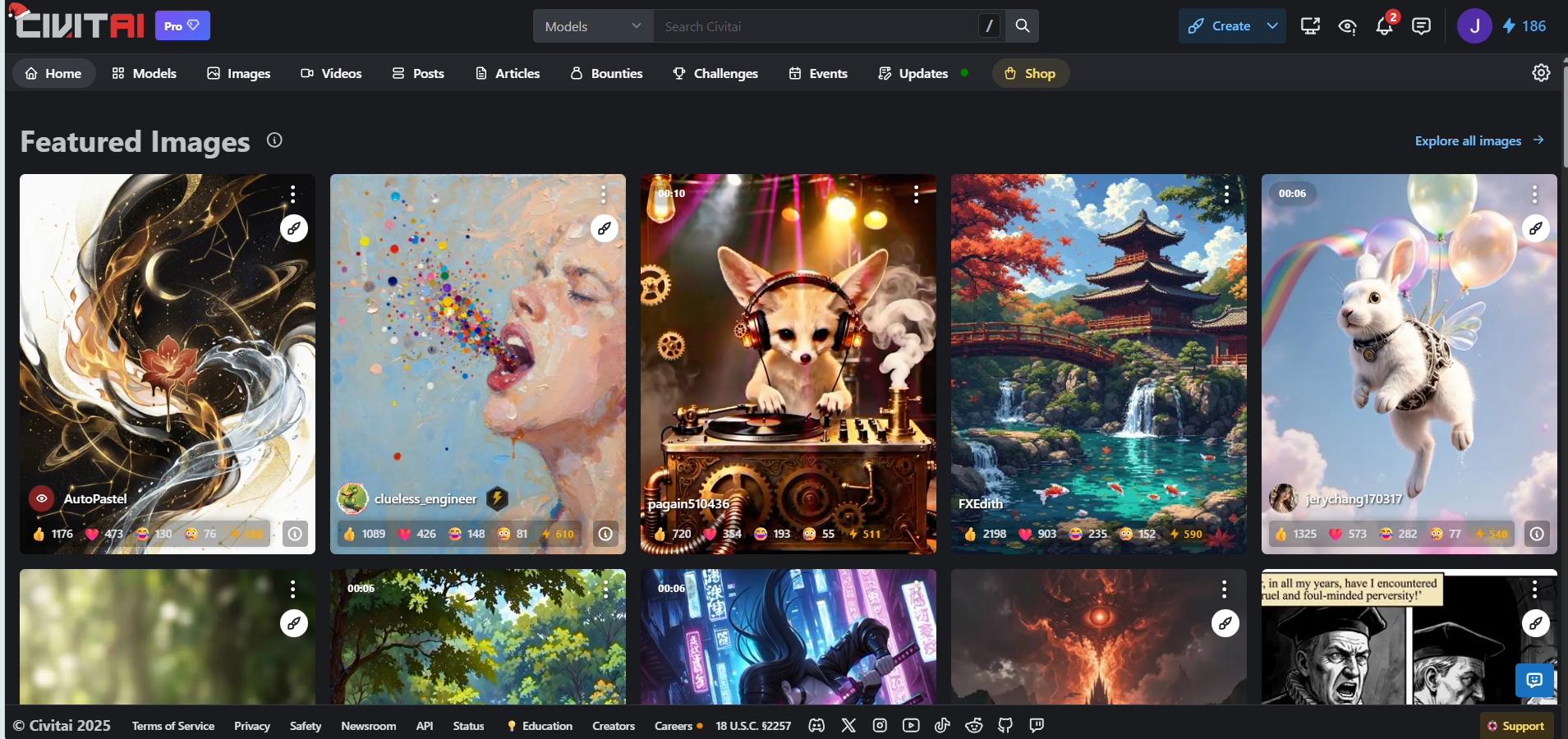
Civitai Link enables one-click downloads directly to your local model library, while the Civitai Vault preserves access to models even if creators remove them.
For hobbyists and professionals running ComfyUI or Automatic1111 locally, this is where you find the specialized models that make AI art genuinely distinctive.
Best for: AI artists running local workflows who want specialized, community-made models.
Hugging Face
Hugging Face is the GitHub of machine learning—the central hub where nearly every AI developer uploads their work. The platform hosts over 900,000 pre-trained models and 90,000 datasets spanning text generation, image synthesis, speech recognition, and beyond.
When DeepSeek, Qwen, Mistral, Llama, Flux, Microsoft or any other lab releases a new model, it lands here first.
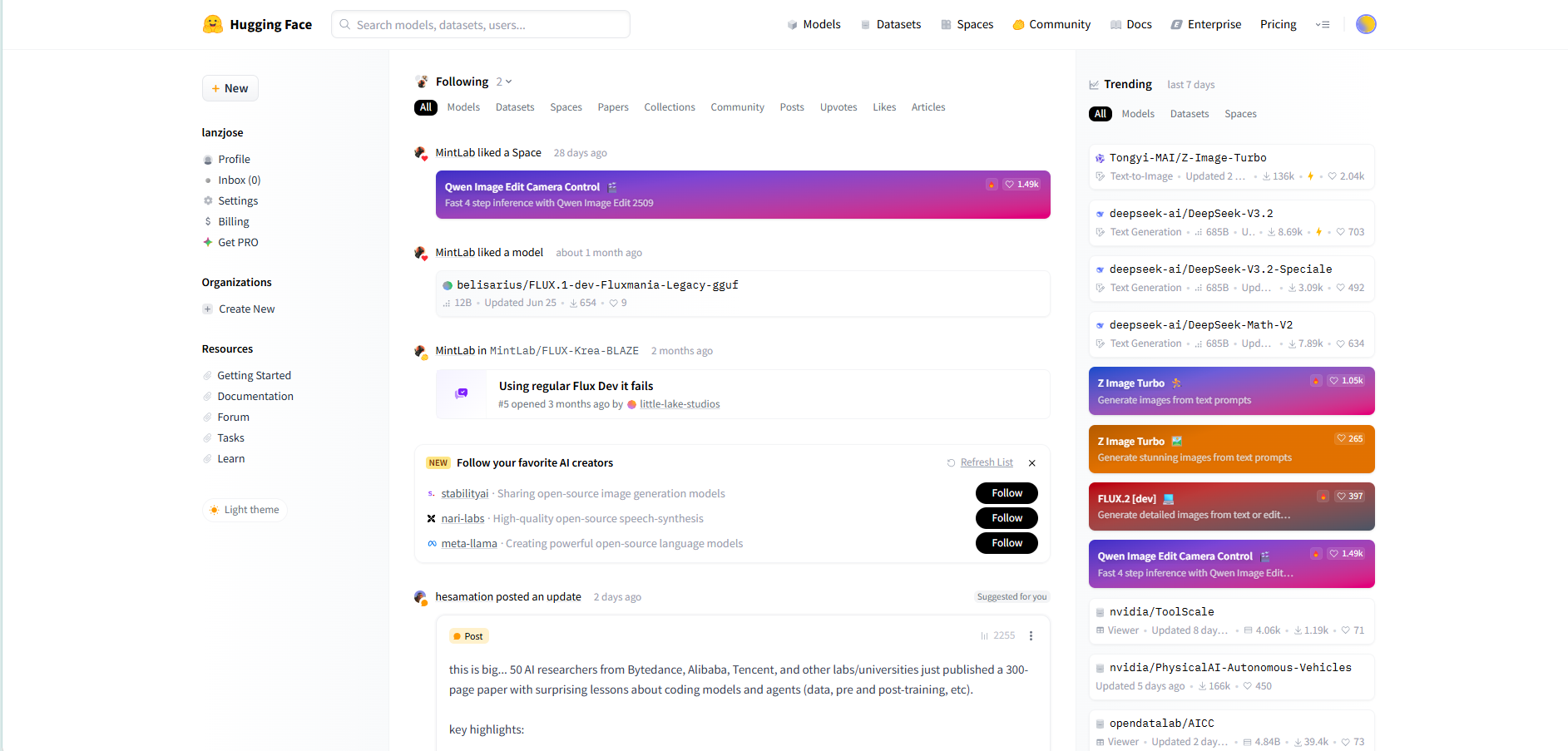
For developers building local inference pipelines or fine-tuning models on custom data, Hugging Face is the starting point—not an option, but the foundation everything else builds on.
Best for: Developers building inference pipelines or fine-tuning models on custom data.
LM Studio
LM Studio makes running large language models locally as simple as installing any desktop app. The interface lets you browse, download, and run models like Llama, Qwen, Gemma, Mistral, and DeepSeek without touching a command line. Support for quantized GGUF formats means capable models run on machines with as little as 8GB RAM, while Apple Silicon users get native MLX acceleration for dramatically faster inference.
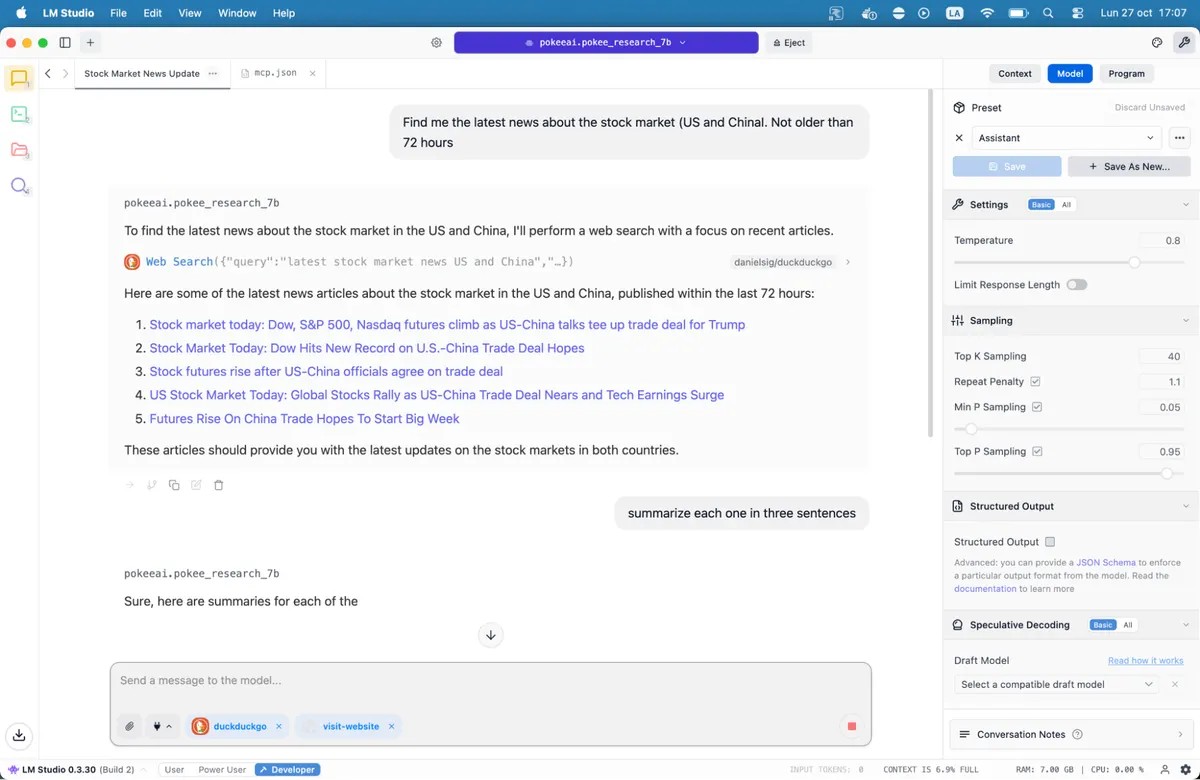
The built-in OpenAI-compatible API lets you integrate local models into any application expecting cloud APIs. MCP host support arrived in mid-2025, enabling tool use and agentic workflows entirely offline. For anyone who wants ChatGPT-style conversations without the subscription or the data leaving their machine, LM Studio is the most accessible path to local AI.
Best for: Anyone who wants ChatGPT-style AI without subscriptions or data leaving their machine.
Quick Reference: What to Use When
- Free research + chat: Qwen Chat
- Coding + workflows: Claude ($20/mo)
- General assistant: ChatGPT ($20/mo)
- Comparing results between LLMs: T3 Chat
- Google ecosystem: AI Studio (free)
- Unlimited image/video: Freepik AI Suite
- Cinematic video: Google Flow / Veo 3
- Agentic Browsing: Perplexity Comet
- Local LLMs: LM Studio (free)
- Local image generation: Civitai + ComfyUI
- Open Source Model downloads: Hugging Face